





Equipment Houses
Oversize Shipment Protection
Salt Storage Sheds
Fire Hydrant Enclosures
Digester Domes
Marine and Coastal Buildings
Natural Gas Odorizer Buildings
Radiation Monitoring Enclosures
Emergency Generator Enclosures
Navigation Equipment Enclosures
Hazardous Area Personnel Buildings
Chemical Material Storage
Open Air Test Sites (OATS)
Hazardous Material Storage
Corrosive Chemical Storage
Radioactive Decontamination Structures
Chlorination and Dechlorination Enclosures
Communication and Telecommunication Equipment Buildings
Washdown Labs
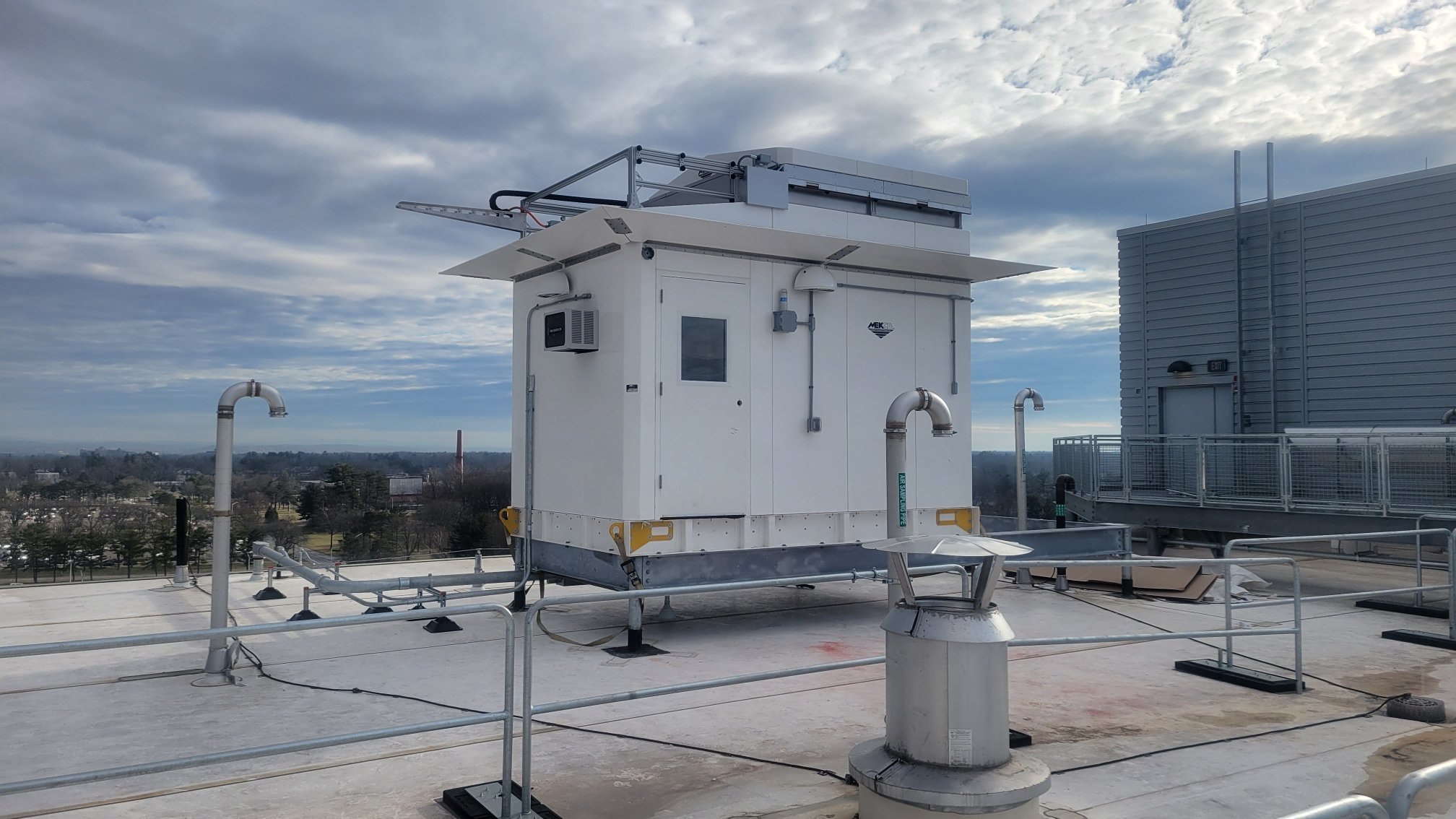
Rooftop structures
Fueling station kiosks
Nonmetallic Test Labs
High Voltage Enclosures
Lift Pump Station Covers
Turbine Rotor Enclosures
Chemical Wash Buildings
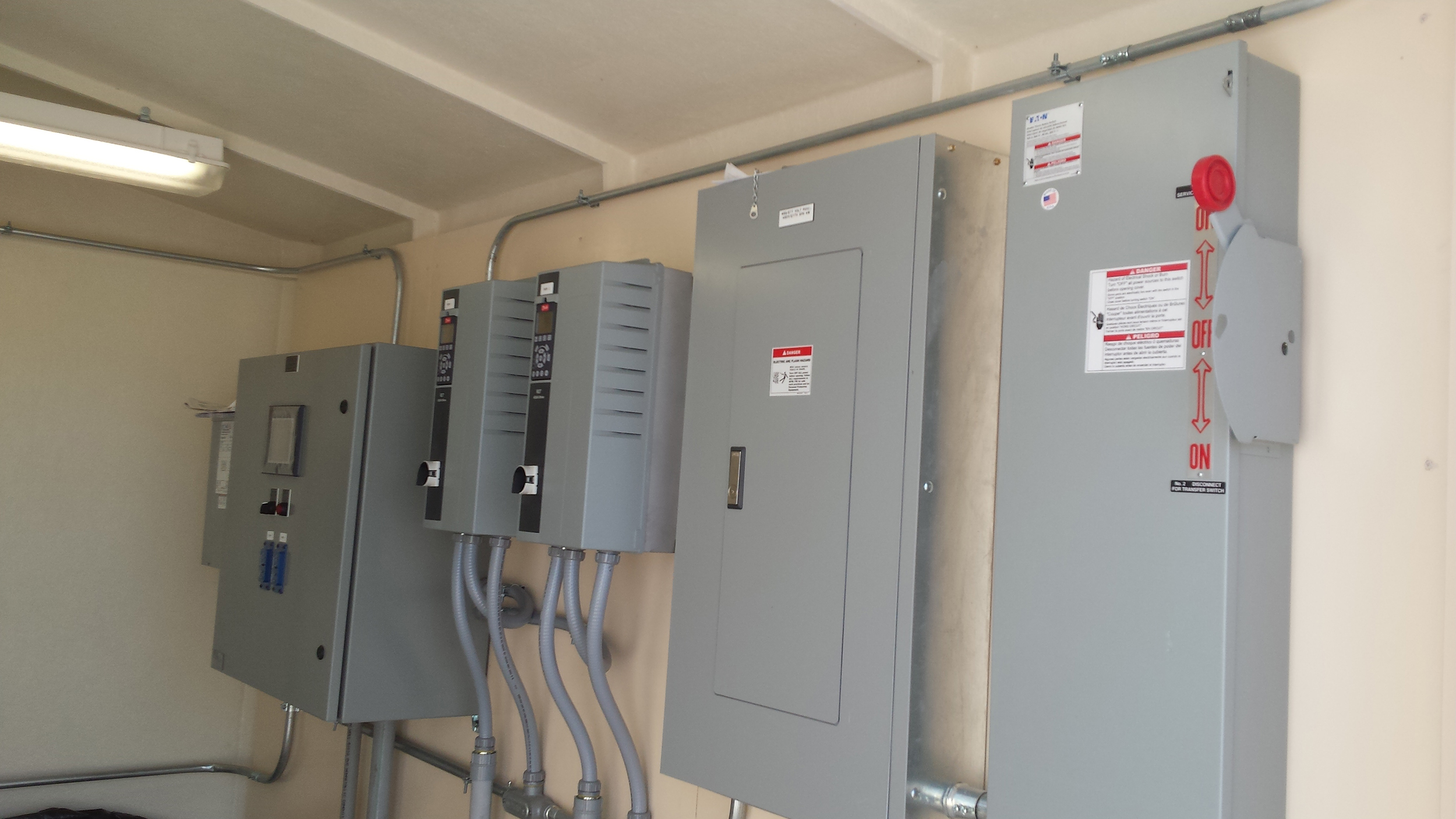
Motor Control Centers
Wastewater Treatment
Chemical Processing Structures
Cooling Tower Pump Buildings
Personnel Decontamination Buildings
Radioactive Equipment Storage
Chimney Stack Pollution Monitoring Enclosures
Electromagnetic Compatibility (EMC) Test Buildings
Electrostatic Dissipative (ESD) Clean Rooms
Dehumidification Equipment Buildings
Animal Shelters
Structural Construction
General purpose FRP
Fire Retardant FRP
Insulation (R7, R11, R14, R21, R28)
Equipment mounting panels
NEMA 3R certifications
Knockdown capable
Preassembled
Removable panel options
Removable roof options
Electrical
Load centers and receptacles
Class I, Div. 1 capabilities
Alarms and Sensors
LED lighting options
Damp location wiring solutions
High voltage grounding options
Unistrut integration
Unique application needs
Doors
Grade I – single or double
Grade II – single or double
Integrated windows (security glass)
Panic bar exit device options
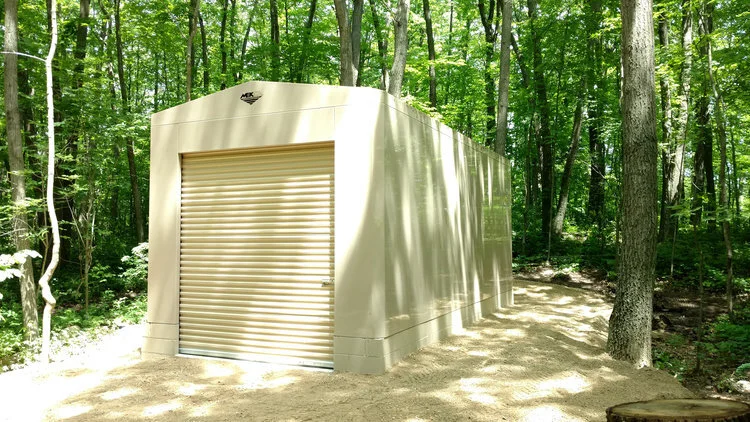
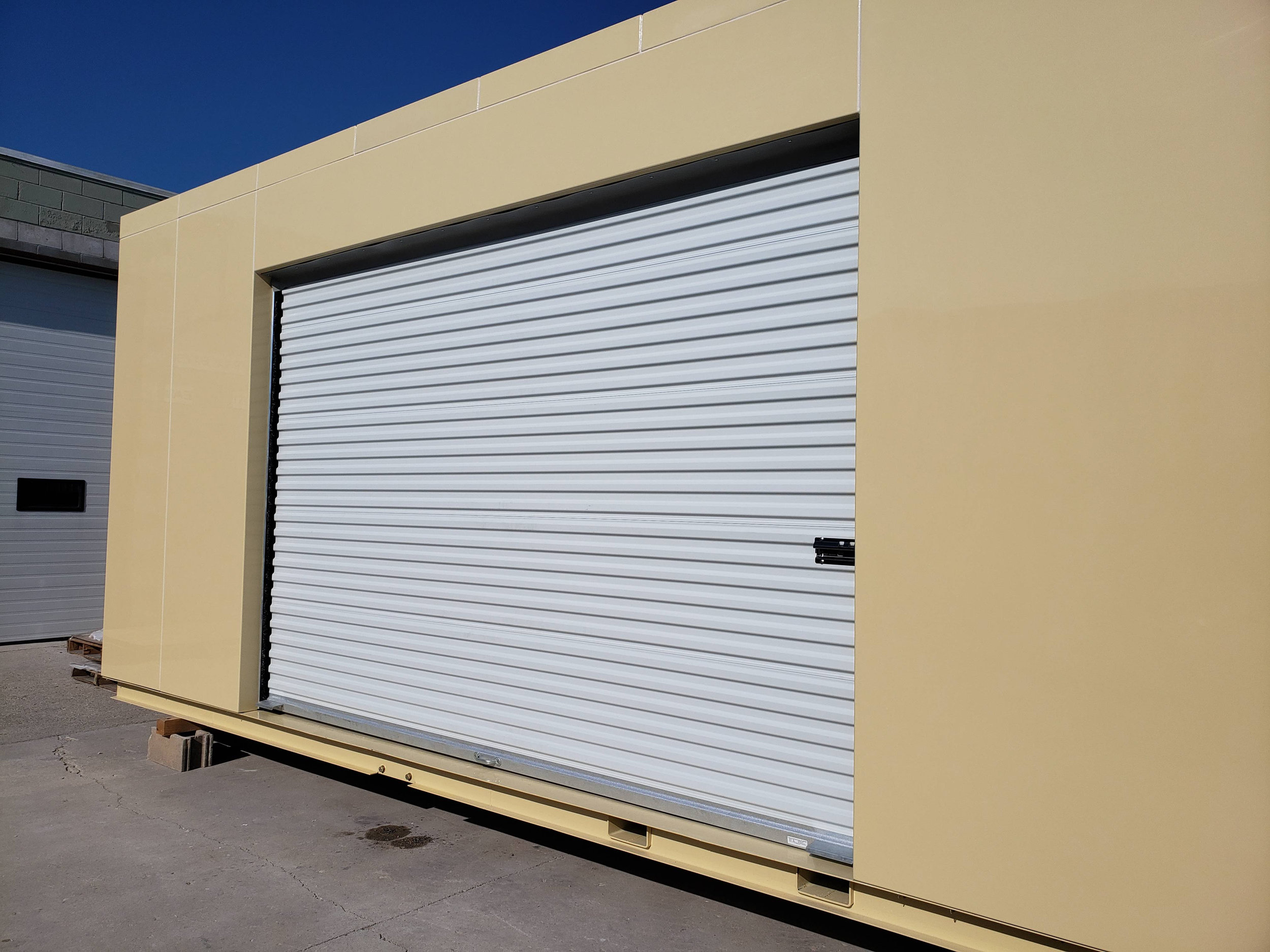
Roll-up doors (internal or external drums)
Hatch access
Bulkhead access
Sliding or bifold style options
Nonmetallic options
Mounting
Drop-over
Integrate steel base
Crane or Fork-liftable
Built-in containment reservoirs
Colors
Any Interior and Exterior color option is available
Gloss or Texture finish available
HVAC
Forced or Convective ventilation
Heating options
A/C options
Specialty Needs
Alarms
Sensors
Customer equipment pre-installation
Unique bulk-heads
Unique Configurations
MEKCO® FIBERGLASS BUILDING FEATURES
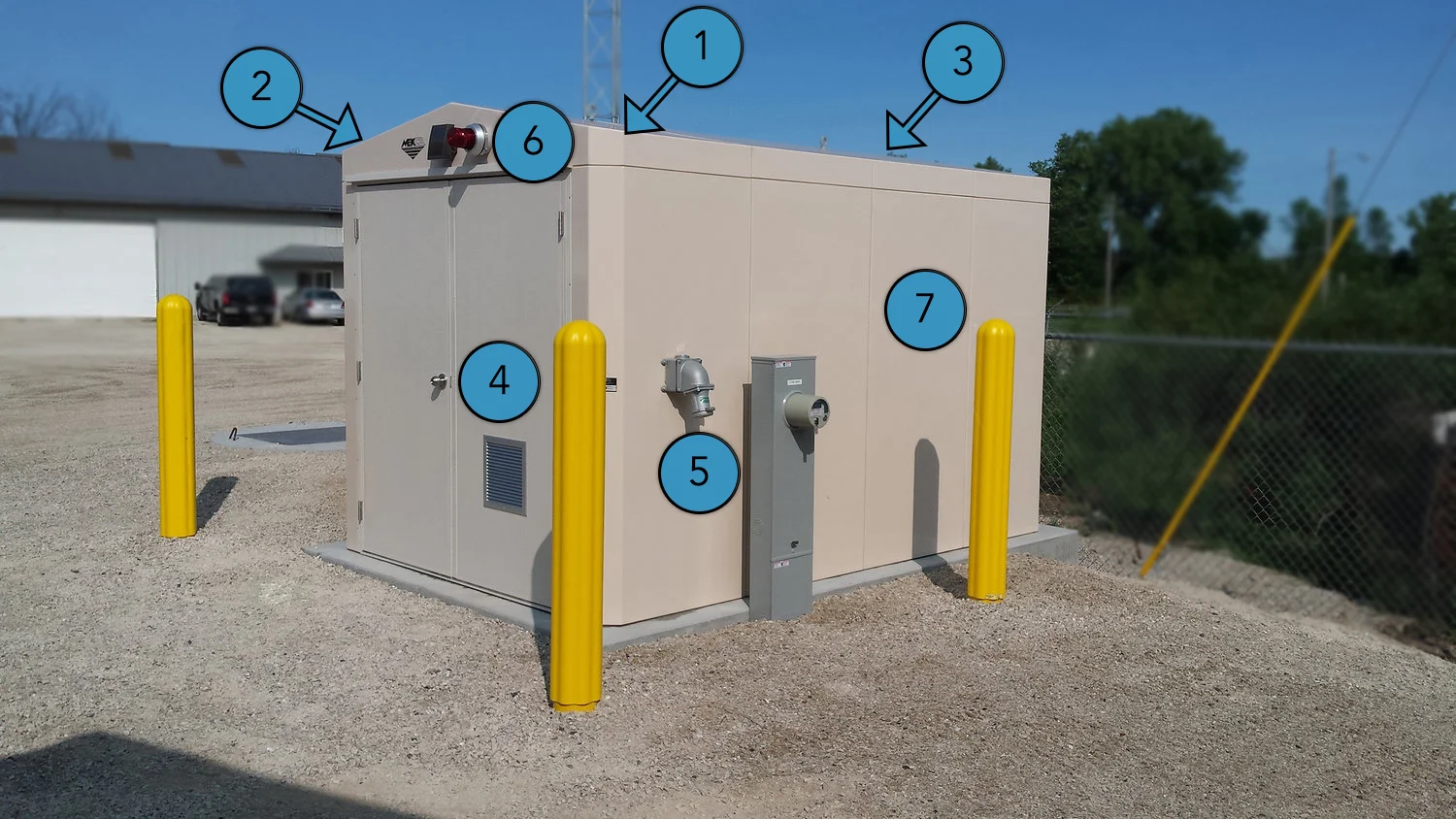
1. Structurally-cored advanced composite building panels for greater insulation, strength, and stiffness values. Energy efficient space-saving profile.
2. Engineered freestanding roof systems offers high snow capability and absolute reliability in the harshest conditions.
3. Removable lifting eyes for optional placement or easy access to obstructed equipment.
4. Full-access FRP doors with industrial grade hardware and custom ventilation options.
5. Ready-to-power electrical feeds and other systems to streamline your final installation and minimize on-site labor costs.
6. Custom sensors and lighting to ensure that safety measures are at the forefront of design.
7. Custom color options to fit your environment.


About Mekco® Fiberglass Buildings
MEKCO fiberglass buildings have been serving industry since 1976. These buildings can be found in every state of the Union – and well beyond. Many of these buildings have been tested with the worst that Mother Nature can conjure up – from snowstorms to hurricanes and literally everything in between. MEKCO buildings are tough – in every sense of the word.
Because we make our own tooling (in-house) and have more than 200 tools in our collective “library”, MEKCO fiberglass buildings are 100% customizable. Go ahead, toss us a curveball. We take great pride in providing the customer with exactly what they need – nothing more and nothing less.
At MEKCO we pride ourselves in quality and timing. Just because your building is unique doesn’t mean you’ll need to wait months to receive it. Most of our custom buildings are ready to ship within 3-4 weeks of production sign-off. Sometimes even faster. We operate on the premise of lean manufacturing and have a staff and supply chain that believes in being nimble. We look forward to the opportunity to tackle your unique challenge.
- Adam Schneider, President